
How to Appear on Google Maps with Your Shop (and Get Found by Customers)
Introduction: the customer who can't find you goes to your competitor
Picture this. A tourist in Naples picks up their phone and searches "restaurant near me". Google shows a map with 3 results. Three. Not thirty, not ten. Three. If your business isn't among those three, that customer walks into your competitor's place. End of story.
This is not an isolated case. Over 2.2 billion people use Google Maps every month and 88% of consumers use Google Maps to find local businesses. In other words: nearly 9 out of 10 people looking for a shop, a restaurant, or a hairdresser in their area do so through that map.
The good news? Adding your business to Google Maps is free. And with a few smart moves, you can climb the rankings and get found by people who are looking for you right now.
Google Maps and Google Business Profile: how they're connected
First of all, let's clear up something that confuses many people: Google Maps and Google Business Profile are not the same thing, but they work together.
- Google Maps is what people see: the map, the results, the directions.
- Google Business Profile (formerly Google My Business) is the dashboard where you manage your business information: name, address, hours, photos, review responses.
The connection is simple: when you create a Google Business Profile, you automatically appear on Google Maps. You don't need to do two separate things. You create the profile, verify your business, and you're on the map.
If you haven't created your profile yet, you can follow our complete guide to Google Business Profile. In this article, we focus on how to optimize your presence on Maps to appear among the top results.
How Google decides who to show on the map
When someone searches "pizzeria in Milan" or "florist near me", Google doesn't show random results. It uses three main factors, described in its official documentation:
Relevance
How well your profile matches what the person is searching for. If someone searches "Neapolitan pizzeria" and your profile only says "restaurant", you're less relevant than someone who specified "Neapolitan pizzeria".
What to do: fill in every single field of your profile. Category, description, services, attributes. The more information you give Google, the better it understands what you offer.
Distance
How close you are to the person searching. If someone is in the city centre and you're on the outskirts, whoever is in the centre has an advantage.
What to do: you obviously can't move your shop. But you can make sure your address is correct and precise, and you can optimize your profile for searches in your specific area.
Prominence
How well-known your business is. Google evaluates your reviews, links to your website, your overall online presence, and your general SEO ranking.
What to do: collect reviews, take care of your website, make sure your business name appears consistently across the web.
Want to optimize your Google Maps presence without wasting hours? Ivemind helps shops and local businesses rank in the top Google Maps results. 47+ projects delivered, free initial consultation. Let's talk →
The Local Pack: the 3 spots that matter
You know when you search for something on Google and a map with 3 businesses appears at the top of the results? That's called the Local Pack. It's the place where you want to be.
The numbers speak for themselves:
- Businesses in the Local Pack receive 126% more traffic and 93% more actions (calls, direction requests, website visits) compared to positions 4th through 10th.
- 44% of people making local searches click on one of the Local Pack results.
Getting into those 3 spots isn't a matter of luck. It's a matter of optimization. Let's see how.
How to optimize your Google Maps listing: practical tips
1. Add photos (lots of them, and real ones)
Photos are one of the most important elements. The data confirms it:
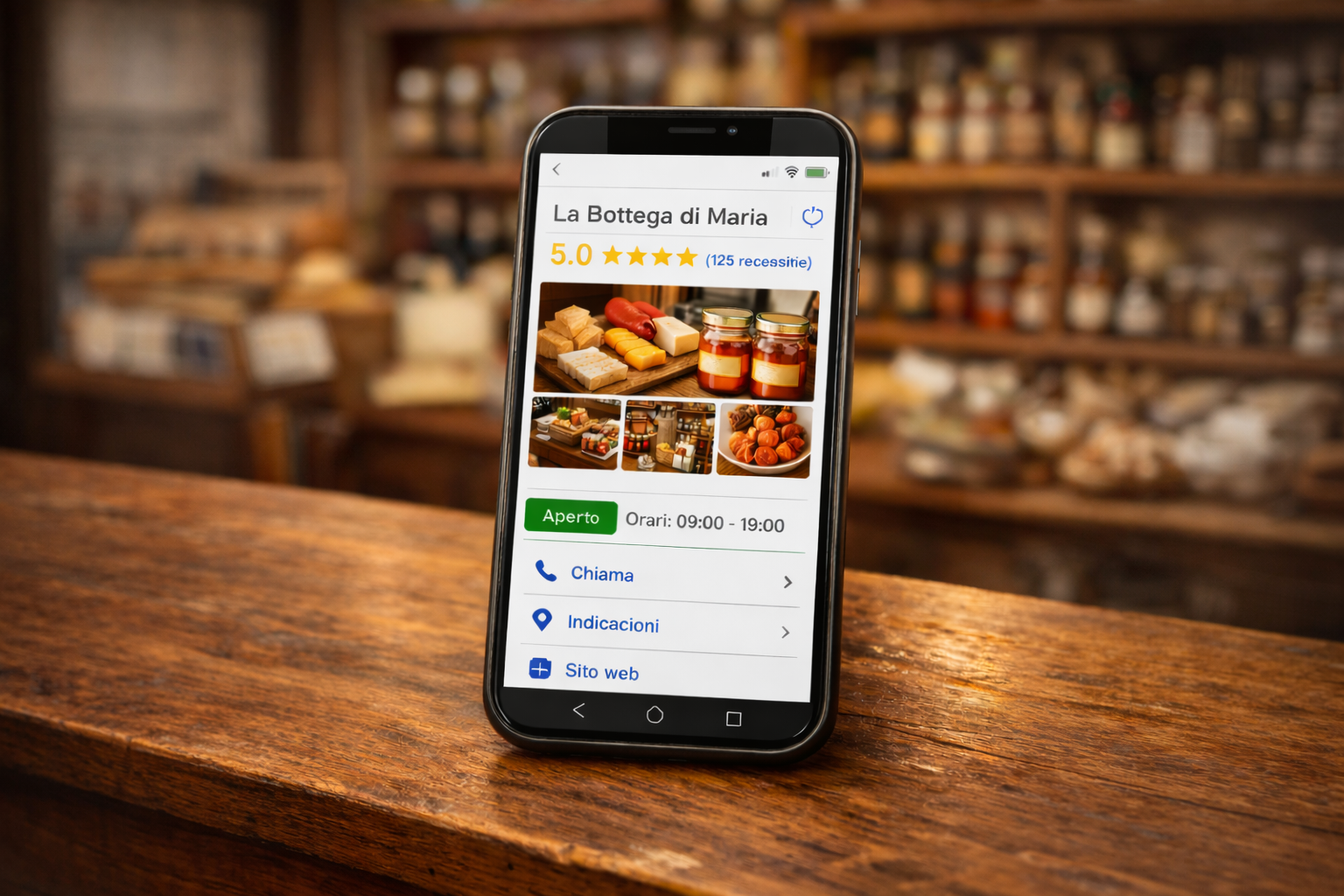
- Businesses with photos receive 42% more direction requests and 35% more clicks to their website.
- Profiles with 100 or more photos see a dramatic increase in interactions.
What to photograph:
- The exterior of your premises – so people recognize you when they arrive
- The interior – the atmosphere, the tables, the spaces
- Products – your dishes, your items, your work
- The team – people build trust
Aim to have at least 10 quality photos. This is an important detail: stock photos and AI-generated images are not allowed by Google. Use only real photos of your business.
2. Choose the right category
Google offers approximately 4,036 categories to choose from. You can set 1 primary category and up to 9 secondary ones.
The primary category is the most important: choose the most specific one possible. If you run an ice cream shop, don't choose "Food store" but "Ice cream shop". If you're an electrician specializing in solar panel installations, look for the category closest to what you actually do.
3. Set your hours (all of them)
It seems obvious, but many businesses forget to update their hours. Set:
- Regular hours for every day of the week
- Special hours for holidays and special occasions (you can set them up to 6 consecutive days in advance)
If you close for more than 7 days, use the "temporarily closed" option instead of changing your hours. This way you won't lose your ranking.
4. Write an effective description
You have 750 characters available, but only the first 250 are visible without clicking "More". Use those first 250 characters to say:
- What you do (clearly and directly)
- What makes you different from the competition
Important: Google does not allow URLs or promotional text in the description. No "50% OFF!" or "www.mysite.com". Describe your business in a natural and informative way.
5. Take care of reviews (they're gold)
Reviews are probably the single most powerful factor for your Maps ranking. The numbers:
- Each additional review corresponds on average to about 80 more website visits, 63 direction requests, and 16 phone calls.
How to get more reviews:
- Ask satisfied customers. Simply. After a good service, say "If you had a good experience, a review on Google would help us a lot."
- Use QR codes for reviews: Google introduced this feature that lets you create a QR code to print and display at the checkout, on the menu, or in the shop window.
- Respond to ALL reviews, positive and negative. Google sees that you're active and customers see that you care.
Discover more ideas to attract customers to your shop, even with zero budget.
6. Publish posts regularly
Google Business Profile lets you publish updates, offers, and events directly on your profile. These posts appear in search results and on Maps.
Publish at least once a week: a new product, a special offer, an event, or simply some news about your business. It keeps the profile alive and signals to Google that your business is active.
2025–2026 updates: what's changing on Google Maps
Google constantly updates Maps and Business Profile. Here are the most important updates from recent months:
- WhatsApp integration: the old Google chat has been removed and replaced with the option to link WhatsApp or SMS. Customers can contact you directly from your Maps profile.
- AI-powered Q&A: Google is using artificial intelligence to generate automatic answers to frequently asked questions, based on your profile information. One more reason to keep it complete and up to date.
- QR codes for reviews: you can generate a QR code that leads directly to your business's review page.
- Reserve with Google: customers can book a table, an appointment, or a service directly from Google Maps, without leaving the app.
- Visual search and AI: Google is increasingly using artificial intelligence to analyze photos. Quality photos of your business now directly influence your ranking. Yet another reason to invest in good images.
Read our guide on how to advertise your business for free to discover all the tools available to you.
The most common mistakes (to avoid)
After seeing what to do, let's look at what not to do:
- Not verifying your profile. Without verification, you don't have control over your listing and Google may not display it.
- Inconsistent NAP. NAP stands for Name, Address, Phone. If your website says "15 Roma Street" and Google Maps says "15/A Roma St.", Google gets confused. Keep your name, address, and phone number identical everywhere on the web.
- Wrong category. If you choose a category that's too broad or incorrect, you won't appear in the right searches.
- No photos or stock photos. A profile without photos inspires little trust. And stock or AI-generated photos are not allowed and can get you penalized.
- Ignoring reviews. Not responding to reviews, especially negative ones, sends a terrible signal to both Google and potential customers.
- Duplicate listings. If you have multiple listings for the same business, Google doesn't know which one to show and you risk losing your ranking. Check for and remove any duplicates.
Real data: how people find businesses on Maps
Some numbers worth knowing to understand how much it matters to be on Google Maps:
- 86% of profile views for a Business Profile come from category searches (e.g. "pizzeria Milan"), not from your business name. People don't search for you by name: they search for what you offer.
- 76% of people who search "near me" visit a business within 24 hours.
- "Near me" searches have grown by 900% in just 2 years.
- 78% of local mobile searches result in an offline purchase.
What do these numbers mean? That your next customers are already looking for you. The question is: can they find you?
A concrete example: from a few hundred euros to industry leader
This story shows what can happen when you make good use of Google Maps and Business Profile.
Two entrepreneurs from central Italy founded a company specializing in Japanese gardens and koi ponds. They started with an investment of just a few hundred euros.
Their strategy? They carefully curated their Google Business Profile and their Maps presence, making themselves visible not only in their local area but across all of Italy.
The result: today their company is one of the largest Italian businesses in the sector. They didn't need huge advertising budgets. They used Google's free tools smartly and consistently.
Why hire a professional for Google Maps
Creating a basic profile on Google Maps is simple. But there's an enormous difference between "being on Maps" and "being in the top 3 results". Here's why many businesses choose to get help:
- Your time is valuable. Truly optimizing a profile — photos, categories, descriptions, reviews, weekly posts — requires several hours a month. Hours you could be spending with your customers.
- Mistakes cost you positions. A wrong category, an inconsistent NAP, stock photos instead of real ones: these are common mistakes that push your profile down in the results. A professional avoids them.
- Strategy makes the difference. Being present isn't enough: you need a coordinated strategy across Maps, your website, reviews, and social media. An integrated approach delivers far superior results.
- Results are measurable. A professional monitors your profile statistics (views, clicks, calls) and continuously optimizes based on real data.
Ivemind: your digital partner
Ivemind is an Italian social cooperative and innovative startup. We have helped 47+ companies and organizations build their digital presence, with 100% client satisfaction. 60% of our profits are reinvested in social inclusion projects.
We can help you optimize your Google Maps presence, create a website that converts, and build a complete digital strategy for your business.
Contact us for a free consultation or discover our consulting services and web development.