
Website Redesign: When You Need It, How Much It Costs and How to Do It in 2026

Your website is ageing (and your customers can tell)
According to Stanford Web Credibility Research, 75% of users judge a company's credibility by its website design. Not the product, not the price — the look of the site. If your website looks like it's stuck in 2020, your potential customers notice, and in most cases they close the tab without even reading what you offer.
A website redesign is not a cosmetic whim: it's a strategic necessity. A website older than 3-4 years loses visitors, conversions and Google rankings. Web technologies evolve rapidly — what was modern in 2022 now looks dated, slow and poorly functional on smartphones. Data from ISTAT on Italian SME digitalisation confirms that businesses with an up-to-date digital presence see 20-30% higher growth rates compared to those with obsolete websites.
The problem is not just aesthetic. An old website loads slowly, doesn't adapt to mobile screens, fails to meet security standards and isn't optimised for search engines. The result? Less traffic, fewer leads, fewer sales. And while your website ages, your competitors invest in theirs — gaining positions that were once yours.
In this comprehensive guide, we'll cover the 10 signs that indicate a redesign is needed, what it really costs in 2026, the 5 phases to do it properly and how to avoid losing SEO rankings during the process. Whether you run an SME, a local business or an e-commerce store, this guide is for you.
10 signs your website needs a redesign
It's not always easy to tell when a website needs attention. Here are the 10 most common signs that it's time for a website redesign.
- It's not responsive: the site doesn't adapt properly to smartphones and tablets. Text is too small, buttons are impossible to tap, images overflow the screen. In 2026, over 60% of web traffic comes from mobile devices — a non-responsive site loses more than half its visitors.
- It takes more than 3 seconds to load: according to Google, 53% of mobile users abandon a site that takes more than 3 seconds to load. You can check your site's speed with Google PageSpeed Insights. If your score is below 50, urgent action is needed.
- The design looks outdated: auto-scrolling carousels, exaggerated parallax effects, fonts like Lobster or Comic Sans, flat colours without depth. If your site looks like it came from 2018-2020, visitors perceive it as unreliable.
- The bounce rate exceeds 70%: if more than 70% of visitors leave after viewing just one page, something is wrong. It could be the design, speed, content or lack of a clear call-to-action.
- It generates no leads or enquiries: the site has been online for months but quote requests are zero or close to it. The problem could be the UX, the copy or the lack of clear conversion paths.
- The content is outdated or inaccurate: old prices, services no longer offered, blog posts stuck in 2023. Outdated content hurts both credibility and SEO rankings.
- It doesn't have HTTPS: if your site still shows "Not Secure" in the browser bar, you're losing visitors and rankings. Google has penalised sites without SSL certificates since 2018.
- The CMS is obsolete or can't be updated: if the site runs on an old version of WordPress, Joomla or a proprietary CMS that's no longer supported, every day is a security risk and a missed opportunity for improvement.
- It's not optimised for mobile-first indexing: since 2021, Google indexes the mobile version of your site first. If the mobile version is a stripped-down copy of the desktop one — or worse, doesn't exist — your rankings suffer directly.
- Your competitors have overtaken you online: search Google for the main keywords in your industry. If competitors appear before you and their sites are more modern, faster and more functional, it's the clearest sign a redesign is needed.

If you recognise at least 3 of these signs, your site needs attention. The good news? You don't always need to rebuild from scratch. Let's see when a redesign is enough and when a complete rebuild makes more sense.
Redesign vs complete rebuild: when each one makes sense
Many people confuse a redesign with a complete website rebuild. They're two different interventions, with different costs, timelines and outcomes. Here's a clear comparison.
| Criteria | Redesign | Complete rebuild |
|---|---|---|
| Age of site | Less than 5 years | More than 5 years |
| CMS | Updatable and supported | Obsolete or unsupported |
| URL structure | Good, to be preserved | Chaotic, to be reorganised |
| Accumulated SEO value | High (preserve) | Low or none |
| Intervention | Visual design, UX, content, performance | Everything: CMS, structure, design, content |
| Timeline | 2-4 weeks | 4-8 weeks |
| Estimated cost | EUR 800-5,000 | EUR 3,000-15,000 |
The rule of thumb: if the site is less than 5 years old, the CMS is still supported and you've built up good SEO rankings, a redesign is the right choice. You update the design, improve UX and performance without touching the underlying structure. If the site is more than 5 years old, the CMS is obsolete (old versions of Joomla, Drupal or proprietary CMS) or the URL structure is chaotic, a complete website rebuild is the more sensible investment.
In both cases, the goal is the same: a site that converts visitors into customers, ranks well on Google and represents your business professionally. Also read our guide on how much a website costs for a small business for a complete cost overview.
How much does a redesign cost in 2026: real price ranges
Prices you find online are often vague or misleading. Here are the real ranges for a website update in 2026, based on our experience with European SMEs and professionals.
Basic (EUR 800-2,000)
Ideal for simple brochure websites (5-10 pages). Includes:
- Visual refresh: new colours, typography, images
- Text content updates
- Mobile device optimisation
- SSL certificate installation (HTTPS)
- Basic loading speed optimisation
Mid-range (EUR 2,000-5,000)
The most common choice for SMEs and professionals. Includes everything in the basic package, plus:
- Complete layout and user interface redesign
- UX (user experience) improvement and conversion path optimisation
- On-page SEO: title, meta description, heading and image optimisation
- Google Analytics 4 and Google Search Console integration
- Optimised contact forms and strategic calls-to-action
- GDPR and cookie policy compliance
Advanced (EUR 5,000-15,000)
For established businesses with complex requirements. Includes everything in the mid-range package, plus:
- Complete information architecture redesign
- CMS migration (e.g., from WordPress to Next.js, from Joomla to headless CMS)
- E-commerce functionality or custom integrations (CRM, ERP, booking systems)
- Advanced performance optimisation (Core Web Vitals)
- Complete SEO strategy with keyword research and content plan
- A/B testing and conversion rate optimisation
These prices do not include ongoing maintenance (typically EUR 50-200/month). But they are real prices — not inflated figures to impress, nor cut-rate freelancer quotes.
Request a free quote for your website redesign — we'll analyse your current site and propose the solution best suited to your budget and goals.
The 5 phases of a professional redesign
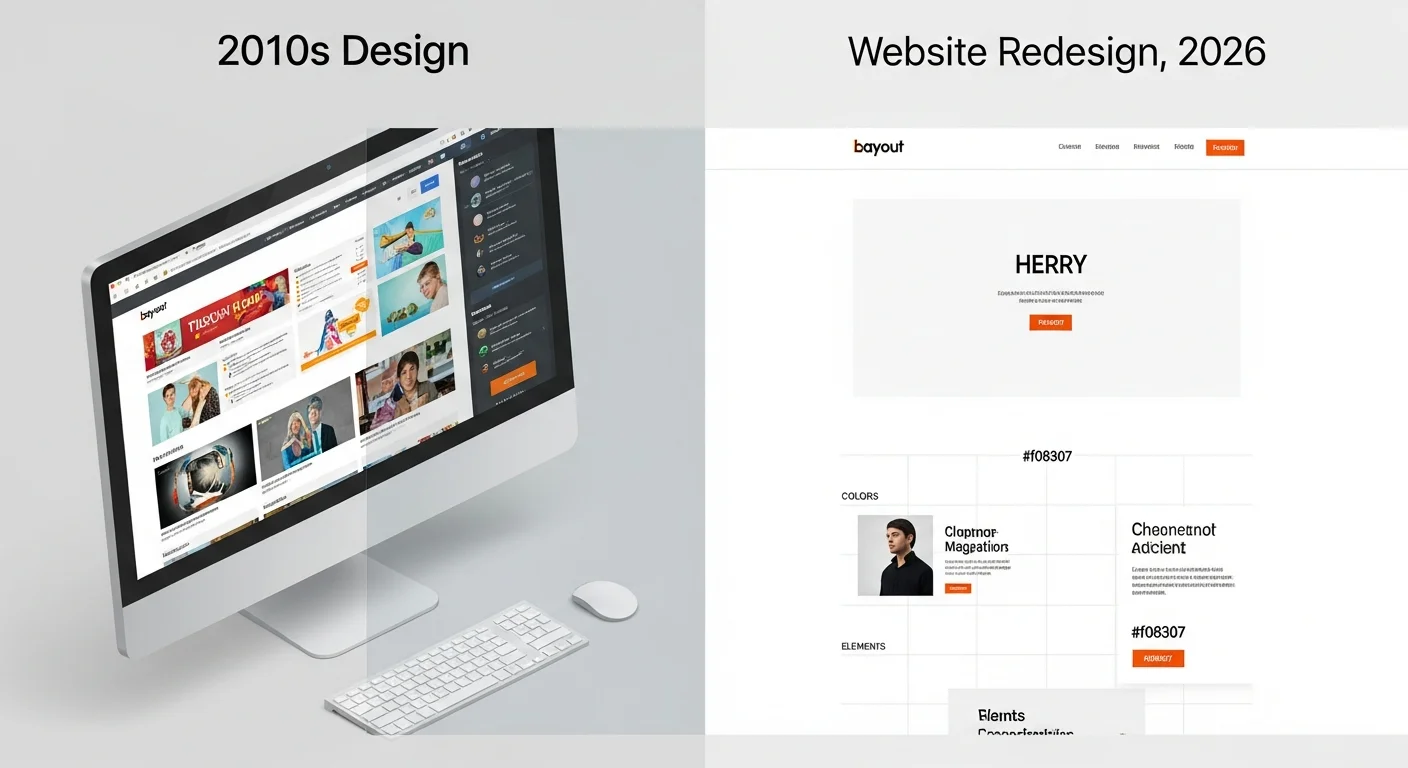
A professional redesign isn't "changing the colours and adding new photos". It's a structured process in 5 phases, each with specific goals and deliverables.
Phase 1: Audit of the current site
Before touching anything, we analyse the current state of the site:
- Performance: loading times, Core Web Vitals, PageSpeed score
- SEO: keyword rankings, organic traffic, indexed pages, Search Console errors
- UX: user journeys, exit pages, friction points, heatmaps if available
- Content: pages with outdated, duplicate or missing content
- Technology: CMS version, plugins, browser compatibility, security
The audit provides a clear picture of the problems to solve and the strengths to preserve. Without an audit, any redesign is a shot in the dark.
Phase 2: UX/UI design
With audit data in hand, we design the new user experience:
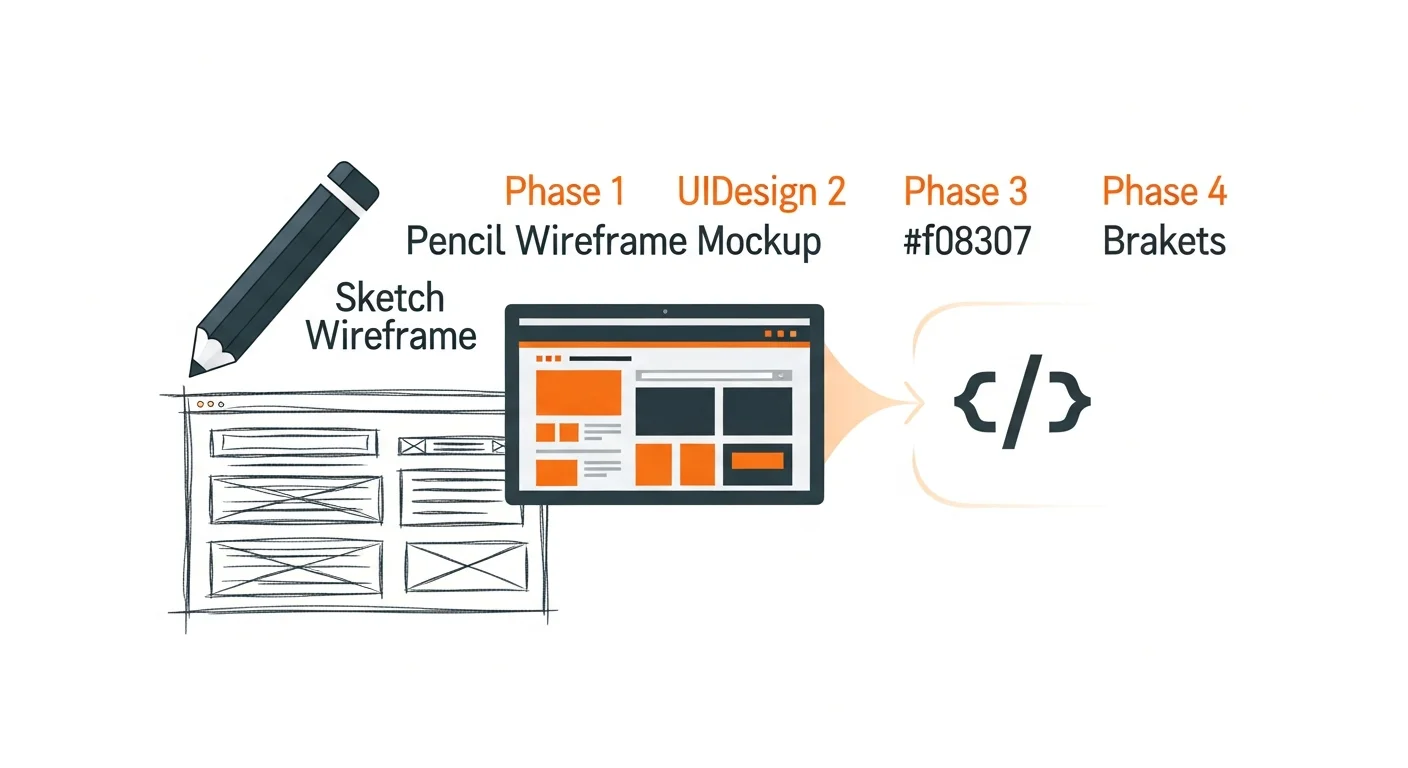
- Wireframes: low-fidelity layouts of key pages (homepage, services, contact)
- Mockups: high-fidelity visual design with colours, typography, images
- User flows: optimised journeys from arrival to conversion (contact, purchase, sign-up)
- Mobile-first: the design starts from the smartphone and adapts to larger screens
Phase 3: Development and content migration
The development phase transforms approved mockups into functioning web pages:
- Coding the new design with modern HTML, CSS and JavaScript
- Content migration and rewriting (text, images, video)
- Technical SEO implementation: structured markup, sitemap, robots.txt
- Integration with external tools: analytics, CRM, newsletter
Phase 4: Testing and QA
No site should go live without thorough testing:
- Cross-browser: verification on Chrome, Safari, Firefox, Edge
- Mobile: testing on real devices (not just emulators) — iPhone, Android, tablets
- Performance: verifying Core Web Vitals are in the green range
- Accessibility: WCAG 2.1 compliance, keyboard navigation, screen reader support
- Forms and conversions: testing all forms, buttons and conversion paths
Phase 5: Launch and monitoring
The launch is not the end — it's the start of the most critical phase:
- Setting up 301 redirects for every URL that changes
- Updating and resubmitting the sitemap to Google Search Console
- Monitoring crawl errors for the first 2-4 weeks
- Checking keyword rankings post-launch
- Analysing early metrics: traffic, bounce rate, conversions
How to protect your SEO rankings during a redesign
This is the number one fear of anyone considering a redesign: losing hard-won Google rankings. The good news? With the right precautions, you not only avoid losing positions — you can improve them. Here are the fundamental rules.
- Create a redirect map: before launch, prepare a spreadsheet with every URL from the old site and the corresponding URL on the new site. Implement 301 (permanent) redirects for every change. A single URL without a redirect means a page that loses all its SEO value.
- Preserve URL structure where possible: if a URL is working well and ranking, don't change it. Only change URLs that genuinely need optimisation.
- Update sitemap.xml: as soon as the new site is live, generate a new sitemap and submit it via Google Search Console. This accelerates re-indexing.
- Monitor Search Console after launch: check crawl errors daily for the first 2-4 weeks. Problems caught immediately are resolved in days; those ignored can cost months of recovery.
- Don't change title tags and meta descriptions without reason: if a page ranks well with a certain title tag, don't modify it "because we're doing a redesign". Only change tags that genuinely need optimisation.
- Keep the internal linking structure intact: internal links distribute authority between pages. If you remove or modify internal links during the redesign, some pages may lose rankings.
To explore digital marketing strategies that protect and improve your rankings, read our complete guide to digital marketing for SMEs.
Mobile-first redesign: why it's no longer optional in 2026
Since 2021, Google has used mobile-first indexing: the mobile version of your site is the one that gets indexed and evaluated for rankings. Not the desktop version. This means if your site looks great on a computer but is dysfunctional on a smartphone, Google treats it as a dysfunctional site — period.
The numbers are unequivocal. According to industry data, over 60% of web traffic now comes from mobile devices. For some sectors (restaurants, tourism, local services) this reaches 75-80%. A site that doesn't work perfectly on mobile loses the majority of its potential customers.
But mobile-first is not just about a "site that shrinks". It means designing for the small screen first and then adapting to larger screens. It means:
- Large, tappable buttons — at least 48x48 pixels, with enough space between elements
- Readable text without zooming — minimum 16px font on mobile
- Simplified forms — as few fields as possible, keyboard optimised for input type (numeric for phone, email for address)
- Optimised images — WebP or AVIF format, lazy loading, responsive sizing
- Green Core Web Vitals — LCP under 2.5 seconds, FID under 100ms, CLS under 0.1
Core Web Vitals are an official Google ranking factor. A redesign that doesn't address them is an incomplete redesign. To learn how to improve your local visibility, also read how to put your business on Google for free.
Discover our web development services — we design mobile-first websites with optimised performance and modern design.
Frequently asked questions about website redesign
How long does a website redesign take?
From 2 to 8 weeks, depending on complexity. A simple visual refresh (colours, fonts, images) takes 2-3 weeks. A complete redesign with UX improvements, SEO optimisation and content rewriting takes 4-6 weeks. A total rebuild with CMS migration takes 6-8 weeks.
Will I lose my Google rankings during the redesign?
No, if you follow SEO best practices: 301 redirects for every URL that changes, preserving URL structure where possible, updating the sitemap and monitoring Search Console in the first weeks after launch. A well-executed redesign can actually improve your rankings, thanks to better performance and updated content.
Can I redesign my website myself?
For a simple aesthetic refresh (changing colours, updating images) yes, if your CMS allows it. For structural changes — layout modification, UX optimisation, SEO migration, performance improvement — a professional agency is recommended. The risk of losing traffic and rankings with a DIY redesign is real.
How often should a website be redesigned?
A significant redesign should be done every 3-5 years. But this doesn't mean ignoring the site between redesigns. Small continuous updates — new content, image optimisation, plugin updates, performance improvements — should be an ongoing activity, ideally monthly.
Does a redesign include content updates?
It depends on the project. A basic redesign only updates the visual design. A complete redesign also includes reviewing and rewriting text content, optimised for SEO and conversions. In our experience, redesigns that include content updates produce significantly better results in terms of traffic and conversions.
How much does website maintenance cost after a redesign?
Ongoing maintenance costs between EUR 50 and 200 per month, depending on the site's complexity. It includes hosting, CMS and plugin security updates, regular backups, minor content changes and performance monitoring. Without maintenance, a site starts degrading within 6-12 months — missed security updates, incompatible plugins, content that becomes outdated.
Conclusion: is your website ready for 2026?
A website is not a project you complete once and then forget. It's a living digital asset that requires care, updates and — periodically — a redesign that brings it back in line with user expectations and Google's requirements.
Let's recap the key points:
- 75% of users judge your credibility by your website
- A website older than 3-4 years loses visitors, conversions and rankings
- A redesign costs between EUR 800 and 15,000, depending on complexity
- With the right SEO precautions, you don't lose rankings — you improve them
- Mobile-first in 2026 is not optional: it's the minimum requirement
Ivemind is a social cooperative and innovative startup based in Bolzano, Italy, specialising in web development for SMEs and professionals throughout Europe. We deliver website redesigns and rebuilds with a data-driven approach: we analyse the data, design solutions and measure results.
Request a free website analysis — we'll tell you exactly what works, what doesn't and what to do to improve.
Discover our web development services — from design to launch, with post-launch monitoring included.
Related articles

Website and Online Booking for Medical Practices and Clinics: Complete Guide 2026
How to create a website for medical practices with an online appointment booking system. Real costs, comparison of MioDottore, Doctolib and custom solutions, healthcare GDPR compliance and practice management software.

Website and Management Software for Professional Firms: Complete Guide 2026
Websites for lawyers, accountants and architects: how much it costs, essential features and which management software to choose. Real prices, software comparison, grants up to 60% and 5 mistakes to avoid.

Email Marketing for Small Business: How to Create a Newsletter that Converts in 2026
How to create a professional newsletter, build a mailing list and do email marketing with a ROI of €36 for every euro spent. Practical guide for SMEs.